


Project purpose and scope
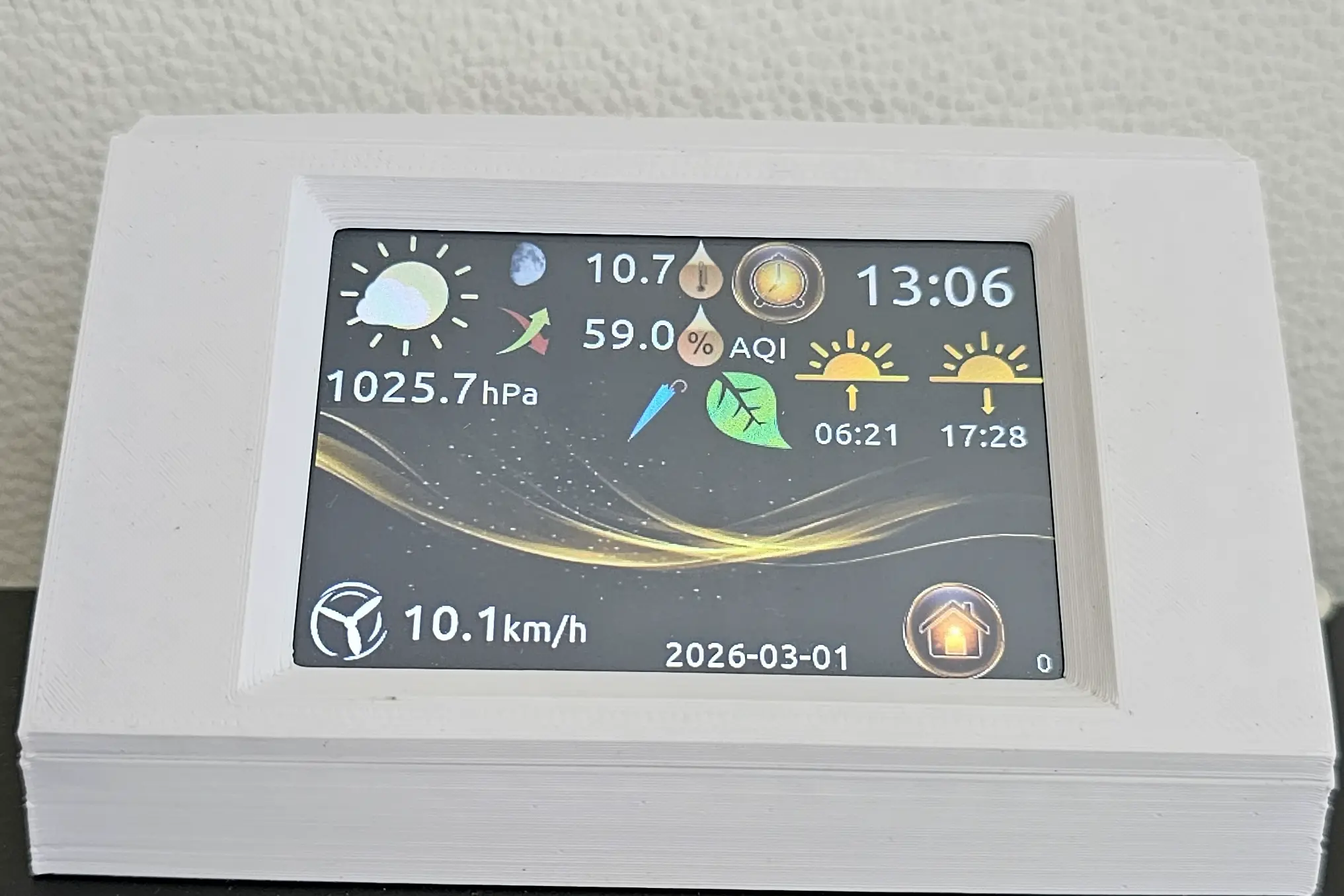
I wanted to find out whether I could build my own information and lighting control station from scratch. I selected data useful to me, with a touchscreen providing navigation between views.
The station uses an ESP32 and a Nextion HMI panel. I tested integration with my system, screen navigation and switching lights on and off from the panel. This is a personal educational prototype.
What did home testing reveal?
The first version did not restrict access to the control panel. During home testing, my children began using the touchscreen to switch lights on and off. This exposed the lack of protection for functions that could change the state of devices.
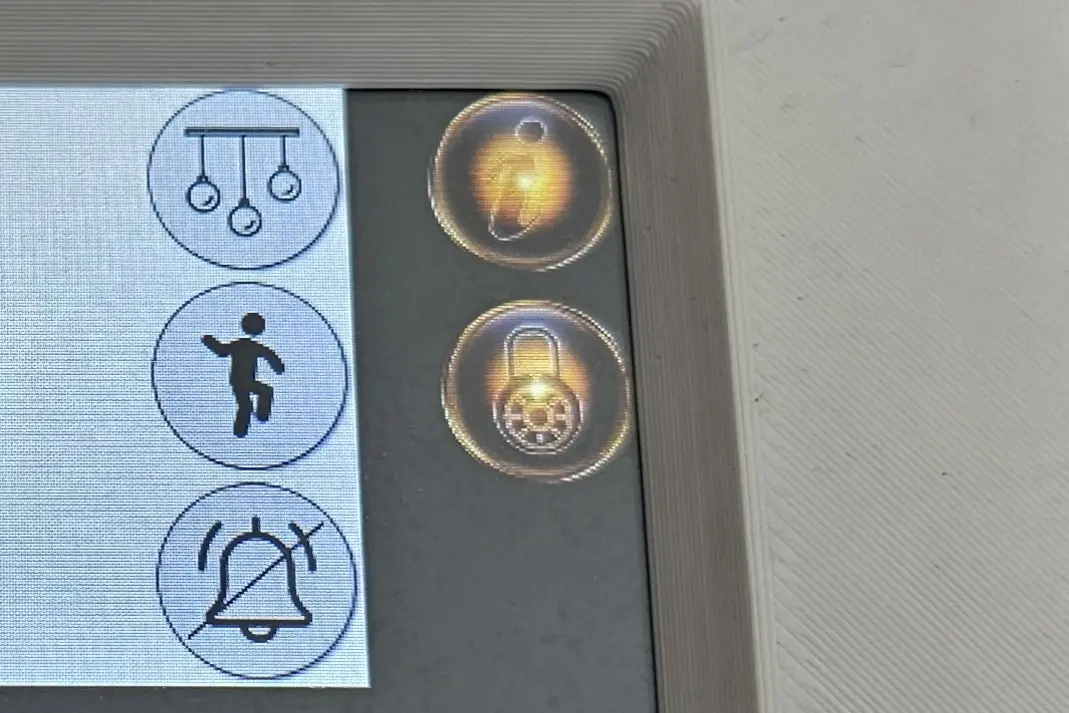
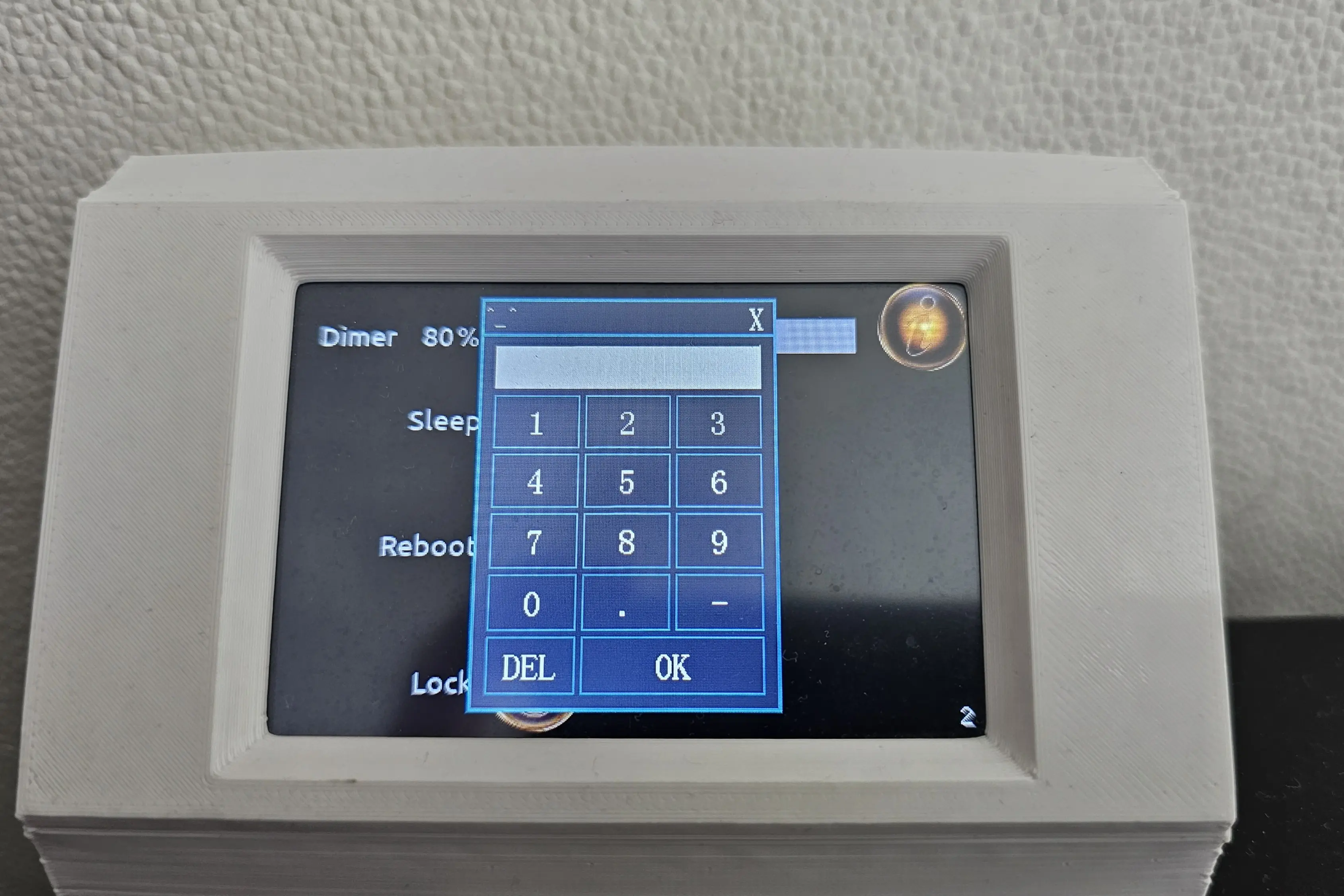
In response, I added password protection to the control panel. This was introduced after observing the problem and covered access to controls rather than the entire interface. It was a simple improvement informed by observing how the prototype was used.
Limiting functions and separating the network
I left additional ESP32 functions and ports that were unnecessary for this project disabled. This was one element of reducing the attack surface. The device operates on a separate subnet. This provides network separation; the extent of isolation also depends on communication rules between subnets.
Why does Security-by-Design matter?
This experience taught me to consider access to information and the ability to control devices separately during design. This is why Security-by-Design matters to me: questions about who can use a function and what their actions can cause should be addressed before a solution is put into use.
In my prototype, panel protection was a later correction. That sequence showed me the value of considering access control early, rather than waiting for everyday use to expose its absence.
The project also prompted me to reflect on Least Privilege: access to functions should match the user’s needs and responsibilities. This is a lesson about permission design, not a claim that I implemented different roles in my prototype.
Application to business
In an industrial environment, permissions should reflect a person's role, competence and responsibility for the process. Viewing data, operating equipment and changing configuration represent different levels of influence over a system. The interface should reflect these differences, with parameter changes subject to agreed rules.
How deviations are addressed also matters. If a previously stable process begins to behave unexpectedly, adjusting settings alone may merely mask the cause. The first step is to establish what changed and why. A parameter change may be justified, but it should follow diagnosis and an assessment of its impact on the process.
The home prototype let me observe a simple mechanism: access to controls allows a person to affect system behaviour. In an organisation, that ability needs to be linked to responsibility and change management.
Results and limitations
I tested the display of selected information, touch navigation, lighting control and access to the control panel through a password screen. I did not implement different permission levels. This description provides no tests of resistance to password bypass, measurement accuracy or long-term reliability, and therefore does not establish readiness for industrial use.
Summary
The project combined building my own device with observing its use and making a correction. My main lesson concerns the design of control functions: it is necessary to define not only what a device can do, but also who may influence its operation and under what conditions.
Sources and documentation
- Espressif - ESP-IDF Programming Guide - official documentation for the ESP32 platform, interfaces, and firmware development.
- Nextion - Instruction Set - documentation for HMI commands and serial communication.
- CISA - ICS Recommended Practices - guidance for control-system security, segmentation, and defense in depth.
Q&A: ESP32 OT/IoT Environmental Monitoring Station
Does the password provide different permission levels?
No. In this prototype, the password protects the control panel. Different permission levels are a lesson for organisational use, not a feature implemented in this device.
What is HMI?
HMI (Human-Machine Interface) is an operator panel that allows a person to interact with a machine or system. In OT environments, HMI displays process data and accepts user input, often via a touchscreen. In this project, a Nextion 3.5" display with resistive touch serves as the HMI, providing real-time environmental data visualization and touch-based navigation between screens.
What is ESP32?
ESP32 is a low-cost, low-power microcontroller with built-in Wi-Fi and Bluetooth, widely used in IoT projects. It supports multiple communication protocols and offers enough processing power to handle sensor data acquisition, network connectivity, and serial communication with external devices such as HMI panels.
How does the display communicate with the microcontroller?
The Nextion HMI display communicates with the ESP32 via UART (Universal Asynchronous Receiver-Transmitter) serial interface. The connection uses GPIO16 (RX) and GPIO17 (TX) at a baud rate of 115200. This allows bidirectional data exchange: the ESP32 sends sensor readings and commands to the display, while the display sends touch events and user input back to the microcontroller.